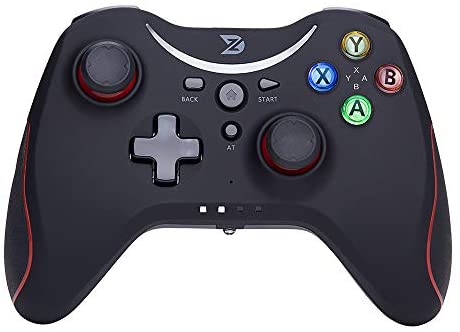
Wireless Gaming Controller for Steam, Nintendo Switch, PC, and Android Devices
Introduction to Multi-Platform Wireless Gaming Controllers
Modern gamers don’t play on just one device anymore. One day you’re on a PC, the next you’re on a Nintendo Switch, and later you’re gaming on your phone or Android TV. That’s why a multi-platform wireless gaming controller feels like a secret weapon—it adapts to your gaming life effortlessly.
Why Gamers Need One Controller for All Devices
Instead of juggling multiple controllers, one well-designed controller can do it all. Less clutter, more convenience, and a consistent gaming experience across platforms.
The Evolution of Wireless Game Controllers
Wireless controllers have come a long way—better battery life, faster response, and smarter compatibility. This controller is a perfect example of that evolution.
Overview of This Wireless Gaming Controller
Devices and Platforms Supported
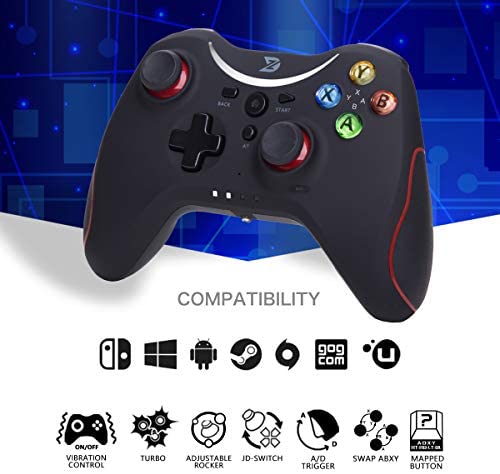
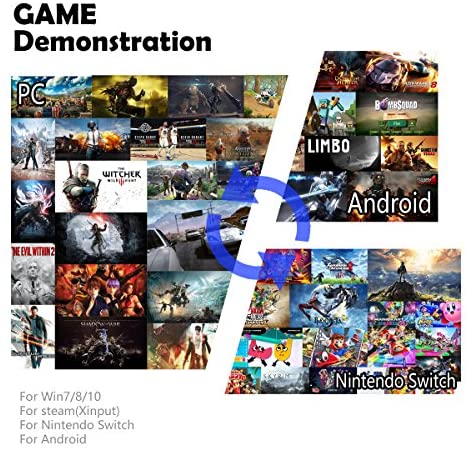
This controller supports:
-
PC & Laptop (Windows 7/8/10, Steam, Origin)
-
Nintendo Switch
-
Android Smartphones & Tablets
-
Android TV Box
-
Fire TV Stick / 4K / Cube
-
VR-compatible Android devices
Platform Compatibility Explained
PC and Laptop Compatibility (Windows & Steam)
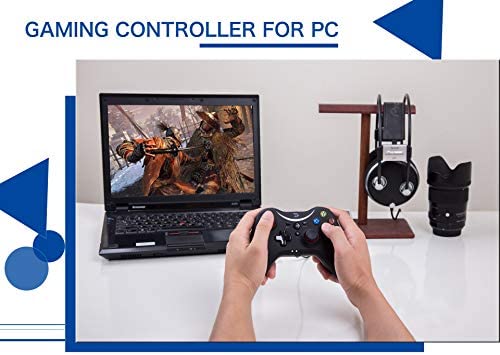
Connect via USB cable or exclusive wireless dongle. It works with Windows 7–10 and popular platforms like Steam and Origin. Keep in mind: not all PC games support controllers, so checking game compatibility is recommended.
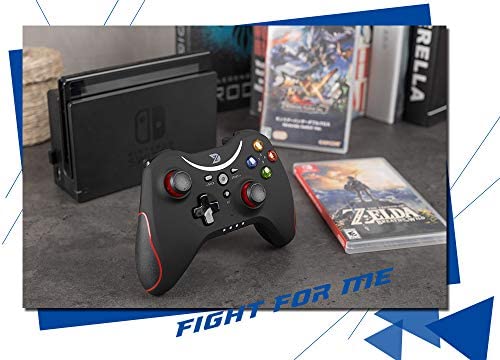
Nintendo Switch Compatibility
Connect using Bluetooth or wired mode. It supports motion control and vibration feedback (no NFC). Tested with Switch OS version 8.0.1.
Android Smartphone, Tablet, and TV Box Support
Works with Android 5.0 or later. Some games may require third-party apps, depending on the title.
Fire TV Stick, Fire TV 4K, and Fire TV Cube
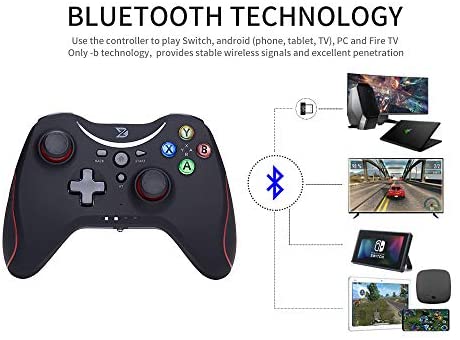
Connect via Bluetooth. For best results, follow the instruction manual carefully.
Connection Methods and Flexibility
Bluetooth Connection (3.0 / 4.0 / 5.0)
Fast, stable, and convenient—perfect for mobile and TV gaming.
Exclusive Wireless Dongle
Low-latency wireless connection for PC gaming, ideal for competitive play.
Wired USB Connection
Plug-and-play reliability with USB 2.0 or 3.0 support.
Gaming Modes and System Switching
Nintendo Switch Mode
Optimized layout and motion support for Switch gaming.
Xinput Mode
Best for PC games that support Xinput, including vibration feedback.
Android Mode
Designed for mobile and Android-based systems.
Switching modes is simple and quick, making it easy to move between devices.
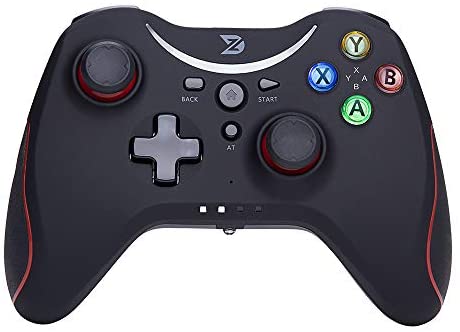
(as of – Details)

Controller Design and Build Quality
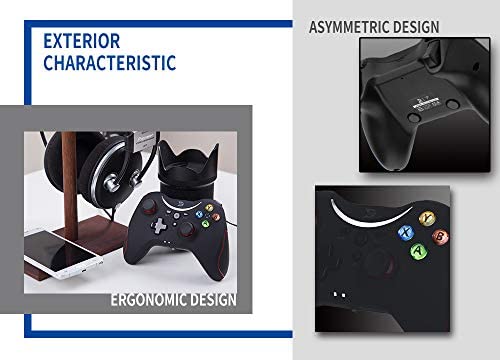
Ergonomic Shape and Comfortable Grip
Designed to fit naturally in your hands, even during long gaming sessions.
Lightweight and Compact Design
Weighing only 210g, it’s light enough for comfort but solid enough to feel premium.
Buttons, Joysticks, and Controls
Dual Analog Joysticks
Smooth, precise, and responsive for both FPS and racing games.
14-Button Layout and Precision D-Pad
Includes:
-
Double analog rockers
-
14 responsive buttons
-
High-precision cross key
ABXY Button Exchange Feature
Customize the button layout to match your gaming style or platform.
Advanced Controller Features
Asymmetric Dual Vibration Feedback
Feel the action with immersive vibration (can be turned off).
Adjustable Joystick Accuracy
Fine-tune sensitivity for better control and precision.
Custom Button Mapping
Set buttons the way you like—your controller, your rules.
LT & RT Linear Trigger Control
Triggers respond smoothly to pressure, perfect for racing and shooting games.
Vibration Function and Game Support
Xinput Vibration Support
Vibration works in PC games that support Xinput mode.
Games That Support Vibration
Always check game details to confirm vibration compatibility.
Battery Life and Charging
Built-in 600mAh Lithium Battery
Rechargeable and efficient, designed for long sessions.
15–25 Hours of Gameplay
One charge easily lasts multiple gaming sessions.
USB Charging Convenience
Charge via PC USB port or standard mobile phone charger using the included cable.
Durability and Hardware Performance
3.6 Million Button Press Lifespan
Built to last, even with intense gaming.
60-Degree Virtual Joystick Accuracy
Ensures precise directional input for competitive gameplay.
Technical Specifications
-
Size: 150 × 108 × 60 mm
-
Weight: 210 g
-
Connection: USB / Bluetooth / Wireless Dongle
-
Battery: 600mAh built-in lithium battery
Packing List – What’s Included
-
Wireless Gaming Controller ×1
-
Wireless Dongle ×1
-
1.8m USB Data Cable ×1
-
English Instruction Manual ×1
Quality Assurance and Warranty
One-Year Product Quality Guarantee
Enjoy peace of mind with a 1-year quality warranty.
Customer Support Commitment
ZD is dedicated to providing reliable products and responsive customer service. If issues arise, support is always available.
Who Should Buy This Wireless Gaming Controller
PC and Steam Gamers
Nintendo Switch Players
Android and Fire TV Gamers
If you play across multiple platforms and want one controller that does it all, this is an excellent choice.
The Wireless Gaming Controller for Steam, Nintendo Switch, PC, and Android is a versatile, feature-rich controller designed for modern gamers. With multiple connection options, long battery life, customizable controls, and broad platform compatibility, it delivers comfort, performance, and flexibility in one sleek package. Whether you’re gaming on PC, console, or mobile, this controller keeps you in control—literally.
(FAQs)
2. Can I use it wirelessly on PC?
Yes, via Bluetooth or the included wireless dongle.
3. How long does the battery last?
Between 15 and 25 hours per charge.
4. Does vibration work on all platforms?
Vibration works on PC games that support Xinput mode.
5. Is customer support included?
Yes, it comes with a one-year quality guarantee and support.
(as of – Details)